Google review QR codes: catch the five stars while they are still feeling them
Most happy customers never leave a review — not because they refuse, but because "find us on Google later" never survives the car ride home. A review QR code at the counter, on the receipt or on the table opens your review form in one scan, while the good experience is still fresh. That is the entire trick, and it works.
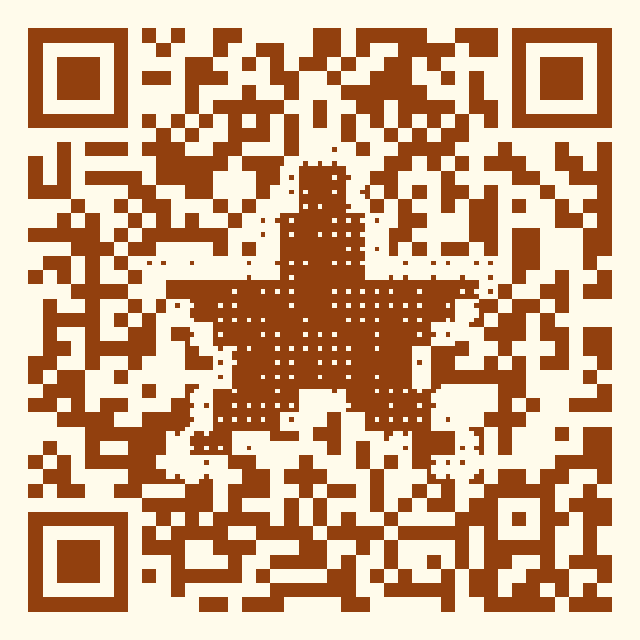
Where review codes work best
- Checkout counter card. The classic. "Enjoyed it? Two taps to tell Google" next to the card reader.
- Receipts and invoices. A small code printed on every receipt scales review requests with zero effort.
- Table tents & takeaway bags. Restaurants and cafés catch diners in the post-meal glow.
- Service completion. Plumbers, salons, auto shops: hand the card when the job is visibly done.
- Packaging inserts. E-commerce orders arrive as a small event — ride it.
Do it honestly (and within Google's rules)
Ask everyone, not just happy customers — review gating (filtering by sentiment first) violates Google's policies and can get reviews wiped. Never incentivize reviews. What you can optimize: the moment (right after a good experience) and the friction (one scan instead of "search for us"). A dynamic code per placement shows which spot actually converts — data, not guesswork.
Start from the review template
The template presets a "RATE US ★★★★★" frame and warm styling — one click, then paste your link:
Set up in five minutes
- In Google Business Profile, copy your review share link (g.page/r/...).
- Open the generator with the review template and paste the link.
- Brand the code, keep contrast high, download PDF for print.
- Optionally make one dynamic code per placement to compare which location produces reviews.
FAQ
Where do I find my Google review link? In your Google Business Profile dashboard, look for "Ask for reviews" — Google gives you a short share link (g.page/r/...) that opens the review form directly.
Is it allowed to ask for reviews with a QR code? Yes. Asking is fine; what Google prohibits is incentivizing reviews or gating (only asking provably happy customers). Put the code where every customer sees it.
Can I count how many people scan? Yes, with a dynamic code — you will typically see far more scans than reviews, which is normal; the scan count tells you which placement earns attention.
Does this work for Yelp, Tripadvisor or Trustpilot? Yes — the code opens any URL. Use your profile or review-form link on any platform, or rotate a dynamic code between platforms.
Related guides & tools
Generate a free QR code that never expires
No signup. No subscription. Generated in your browser.
Open the free generator →