QR codes for business cards and résumés: one scan to save your contact
A paper business card gets glanced at and pocketed; a business card with a QR code gets saved. One scan and your name, phone, email and website land in the other person's contacts — no typing, no typos. The same trick works on a résumé: a code in the header linking to your portfolio, GitHub or LinkedIn turns a static PDF into something a recruiter can act on in two seconds.
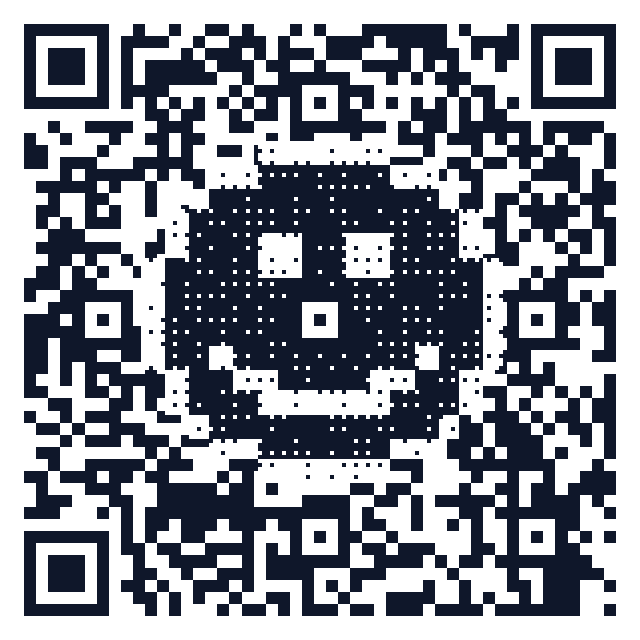
Static vCard vs. dynamic contact page: pick before you print
- Static vCard code (free, forever). Your details are encoded in the pixels — it works with zero servers involved and can never expire. Perfect if your phone and email are stable. Downside: printed means permanent; a new job title means a new code.
- Dynamic code → hosted contact page. The code encodes a short link to a contact page you can edit any time. Change roles, update your number, and every card you ever printed keeps working. This is what vCard Plus does — the visitor still gets a one-tap "Save contact" button.
Rule of thumb: ordering 500 cards you want to last years → dynamic. Printing 50 cards for a conference next week → static is simpler and free. The full trade-off is covered invCard vs. dynamic business-card QR.
Print rules for a 85 × 55 mm card
- Size: at least 1.5 × 1.5 cm for a URL code; 2 × 2 cm if the code encodes a full vCard (more data = denser modules). See the size & scan-distance chart.
- Quiet zone: keep a white margin of at least 4 modules around the code — don't let the card's background color or texture touch it.
- Error correction: level M is enough for a clean print; use Q or H if you add a logo or the card uses textured stock.
- Contrast: dark code on light background. Foil, spot-gloss and kraft paper all reduce contrast — test a proof before the full run.
- Format: send your printer vector SVG, PDF or EPS, never a stretched screenshot. All four exports are free in the generator.
Résumés and portfolios
- Put one code in the header linking to your portfolio, GitHub or LinkedIn — pick the single destination that sells you best, not three codes.
- Since résumés are mostly viewed as PDFs, make sure the link also works as plain text next to the code.
- Applying over months? Use a dynamic code so you can silently update the destination as your portfolio grows — the PDF you already sent keeps pointing at the newest version.
Make yours in two minutes
- Open the free generator and choose the vCard type (or paste your portfolio URL).
- Fill in name, phone, email, website — everything is encoded locally in your browser.
- Optional: brand it with your colors, a center logo, or a pixel-art icon drawn inside the code.
- Download SVG/PDF/EPS for the print shop, or PNG for a résumé header.
- Details likely to change? Create a free account and make it a dynamic code first.
FAQ
Is it really free? Yes — static codes are generated entirely in your browser and can never be expired or held for ransom. Our promises are written down.
Does a vCard code work without internet? Yes. The contact data lives in the code itself, so it scans even in a basement conference hall with no signal.
Can I add a photo to the vCard? Keep photos out of static vCard codes — they bloat the data beyond what scans reliably. A hosted contact page (dynamic) can include a photo without affecting the code.
Generate a free QR code that never expires
No signup. No subscription. Generated in your browser.
Open the free generator →