QR codes on product packaging: survive the print run, stay useful for years
Packaging is the highest-stakes place to print a QR code: runs are large, reprints are expensive, and the code will be scanned on curved bottles, matte boxes and crinkled pouches under supermarket lighting. Here is how to get it right the first time — and how to keep a code useful long after the box was printed.
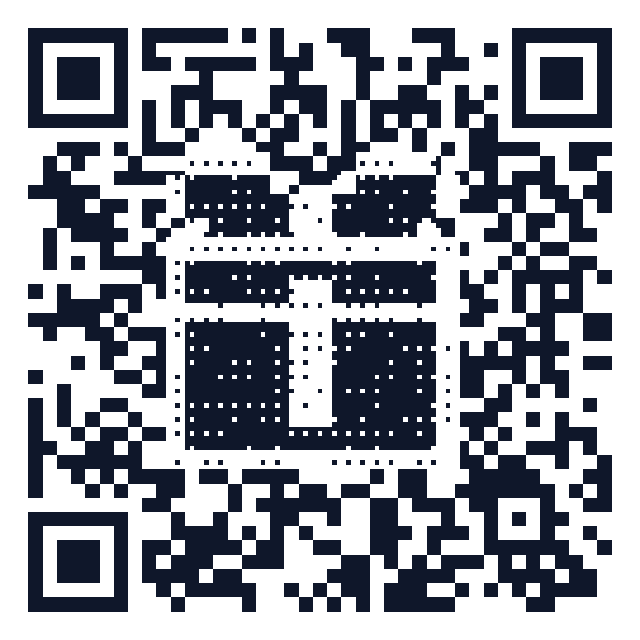
The three decisions that matter
- Static or dynamic? Packaging outlives campaigns. A dynamic code lets the same printed code point at a launch page today, a how-to video next quarter, and a recall notice if you ever need one — without touching the artwork. Use static only when the URL is guaranteed stable for the product's whole shelf life.
- Plain URL or GS1 Digital Link? If the product has a GTIN/EAN, consider a GS1 Digital Link code: one code that works for consumers and is on track to be accepted at retail checkouts (Sunrise 2027).
- Where on the pack? The flattest panel, away from seams, folds and shrink-wrap distortion. On bottles, place the code so its width spans no more than ~25% of the circumference — beyond that the curvature defeats scanners.
Print specs that survive the real world
- Size: 1.5 × 1.5 cm minimum for arm's-length scanning; 2 × 2 cm on curved or flexible substrates. Details in the size & distance chart.
- Error correction: M for clean flat cartons; Q or H for kraft, textured, or glossy-laminated stock, and whenever you put a logo in the code.
- Contrast: dark modules on a light background. Reversed (light-on-dark) codes scan worse; metallic inks and foils are the most common cause of dead packaging codes.
- Quiet zone: 4 modules of clear space on every side — don't let the label border or artwork creep in.
- File format: give the packaging printer vector EPS, SVG or PDF at final size. Never scale up a PNG.
- Proof it: scan a physical proof with both an iPhone and an Android camera, in dim light, before approving the run.
What to put behind the code
- Instructions, sizing guides and manuals — replaces the paper leaflet.
- Authenticity / batch information pages.
- Registration or warranty activation.
- Recipes, refills and re-order links that turn a one-time buyer into a repeat one.
With a dynamic code you can also see scans per product line — which pack size gets scanned most, and when interest peaks after launch.
Set it up
- Open the free generator and paste the destination URL (or use the GS1 Digital Link tool if you have a GTIN).
- Set error correction to Q/H for textured stock; add your logo or brand colors with the built-in contrast check.
- Export vector EPS/SVG/PDF for the packaging artwork.
- For long shelf-life products, make it dynamic first — 3 dynamic codes are free, unlimited is a flat $29/year.
FAQ
Can a printed packaging code ever expire? A static code, never — the URL is in the pixels. A dynamic code keeps redirecting as long as the provider honors it; our written promise is that existing codes keep working even if you cancel.
One code for the whole product line, or one per SKU? One per SKU if you want per-product analytics or GS1 compatibility; one shared code is fine for a single manual or brand page.
Does a tiny code on the back label work? Below ~1.2 cm most phone cameras struggle to focus. If space is tight, encode a short URL (fewer modules) rather than shrinking a long one.
Generate a free QR code that never expires
No signup. No subscription. Generated in your browser.
Open the free generator →