Pixel Art QR Code: Put Retro Pixel Text and Icons Inside a Scannable Code
A pixel art QR code is a QR code whose modules double as a canvas: a heart, a rocket, or the wordSALE is drawn inside the code — not pasted on top of it — and the code still scans. The retro 8-bit look fits the medium perfectly, because a QR code already is pixel art. Here is how it works, and how to make one for free in your browser.
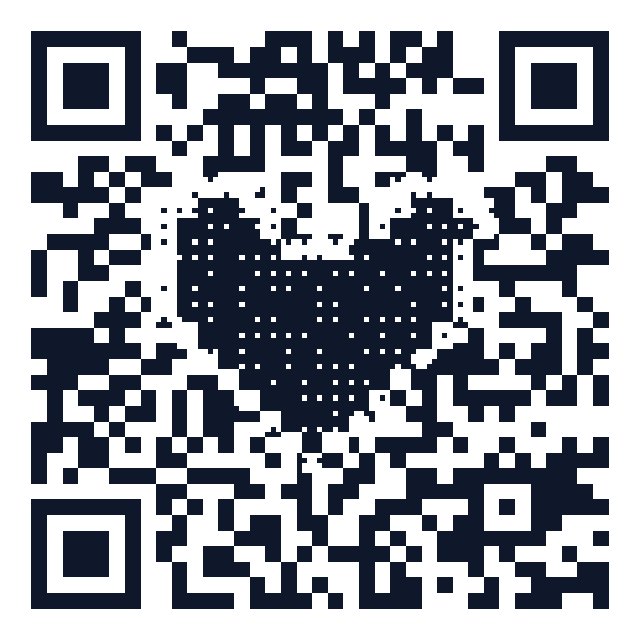
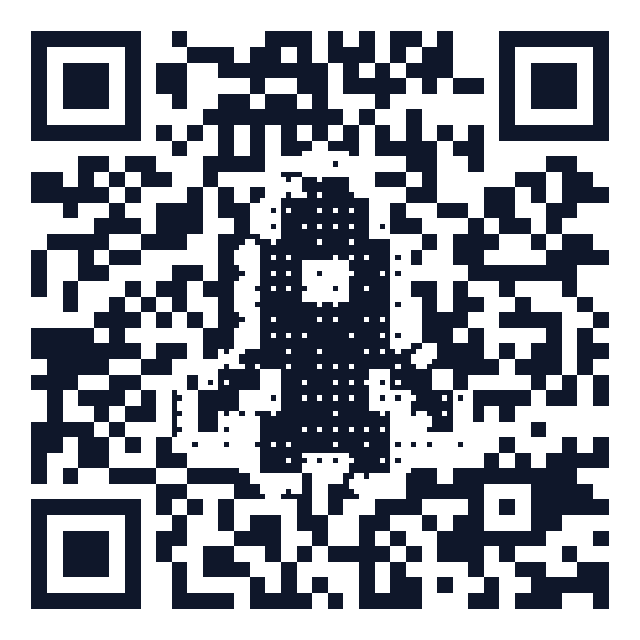
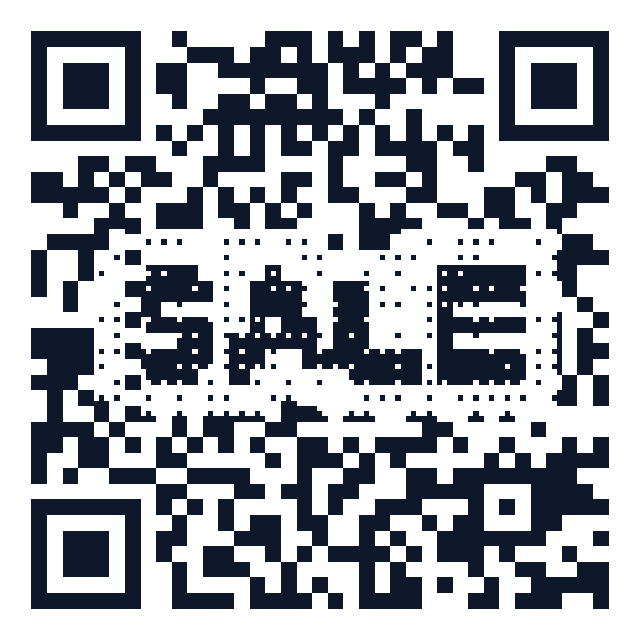
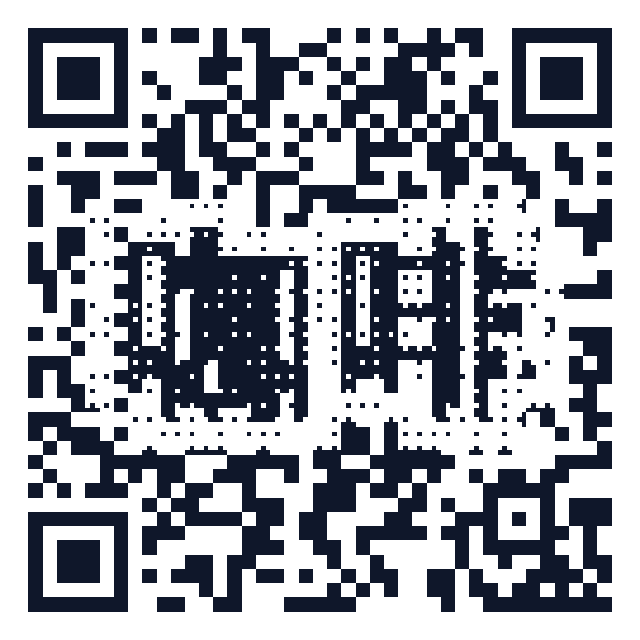
How can a picture live inside a QR code?
Scanners don't read every black-and-white pixel of a code. They locate the three big corner squares (finder patterns), then sample the center of each module — the small squares that carry the data. That leaves the outer area of every module free to display something else. The technique is calledhalftoning: each module is subdivided into a 3×3 grid, the center subcell keeps the true QR value, and the 8 outer subcells render the artwork.
- Function patterns stay untouched. Finder squares, timing lines and alignment patterns are drawn solid, so detection is never disturbed.
- Error correction is the safety net. Level-H Reed–Solomon correction tolerates roughly 30% damage, absorbing the few modules the artwork does flip.
- Every code is machine-verified. Our generator decodes each rendered code with a real QR reader before offering the download; if the art is too aggressive it shrinks automatically.
Make one in 30 seconds (free, no account)
- Open the HonestQR generator and switch to the Pixel art tab.
- Enter your URL.
- Choose a pixel icon (heart, rocket, cat, coffee, invader-style originals…) or type up to 8 characters of pixel text — Latin letters, digits, and CJK characters all work.
- Pick colors — solid or gradient. A live check confirms the code still decodes.
- Download as PNG or crisp vector SVG. No watermark, no signup, and the code is static, so it can never expire.
Where pixel art codes shine
- Indie games & retro brands — the 8-bit look matches the product.
- Café tables and menus — a coffee-cup code gets scanned more than a plain one.
- Posters, album drops, event flyers — write the promo word into the code itself (e.g. SALE, DEMO).
- Wedding & party stationery — a heart inside the RSVP code.
Pixel art vs. AI-art QR codes
AI-generated QR art (Stable Diffusion + ControlNet) blends a photo-like image with the code. It looks spectacular but is hit-or-miss to scan, needs GPU time, and can't be edited precisely. Halftone pixel art is deterministic: the same input always yields the same code, it's verified before download, and it exports as vector SVG for print. For codes that must work on the first try — packaging, menus, signage — deterministic beats generative. Read more inWhy artistic QR codes still scan.
FAQ
Does the pixel art reduce scannability? Slightly — that's why the generator forces error-correction level H and machine-verifies every render. If a design fails verification, the art is scaled down until it passes.
Can I print it? Yes. Export SVG for vector-perfect print, keep the code at least 2×2 cm, and leave the quiet zone (white border) intact.
Is it really free? Yes. Pixel art codes are static codes generated entirely in your browser — no subscription, no trial, no expiry.
Can I put my own image inside? Icons and pixel text are built in today. For logos, use the free logo QR generator; for photos see QR code with a picture inside.
Generate a free QR code that never expires
No signup. No subscription. Generated in your browser.
Open the free generator →